▧
Photos
Keep selected images together in a space you control.
PRIVATE ORGANIZATION, ON YOUR DEVICE
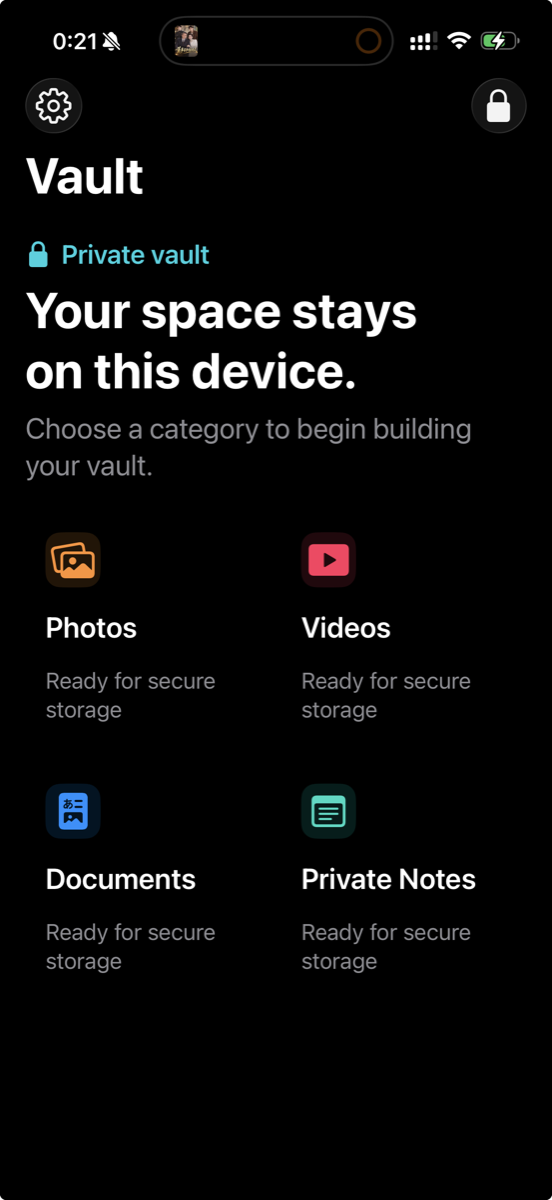
OneMemo keeps your photos, videos, documents, and notes organized on your device. Build a space that is yours to control.
Your private space, on this device.
Your private space, on this device.
ONE PLACE, FOUR WAYS TO ORGANIZE
Organize what you keep without turning your phone into another noisy feed. Each category is ready when you need it.
Keep selected images together in a space you control.
Import and view the videos you want close at hand.
Bring important files into one organized place.
Capture personal thoughts in a focused writing space.
DESIGNED WITH CARE
OneMemo uses local device protections to help you keep control of selected content. We describe those protections plainly, without claiming the impossible.
START WITH CONFIDENCE
Learn how to unlock OneMemo, organize your content, and understand the safeguards before you begin.
The help guide is available in English, Japanese, Korean, Traditional Chinese, and Simplified Chinese.
Open the Help Guide →ご質問や不具合のご相談は、以下のメールアドレスへご連絡ください。パスコードは送らないでください。